Back to Work
- Plugin
- Bricks Builder
- Custom Animation
Custom Animations for Bricks
A lightweight WordPress plugin that adds custom CSS animations to the Bricks Interactions panel, with a simple admin interface, preview, and search.
Key Features
- Form to add, edit, or delete animations, with validation for Bricks compatibility.
- Live search and sorting in the animations table.
- Preview modal with a dark/light toggle that replays the animation when you switch modes.
- CSS loads only on the frontend, not in the Bricks editor.
- Animations are stored in WordPress options, so no custom database tables are created.
- Animations appear in the Bricks Interactions panel (tested with Bricks 2.3.5).
Installation
- Download the plugin ZIP from WordPress.org.
- In WordPress, go to Plugins > Add New Plugin > Upload Plugin and select the ZIP.
- Activate the plugin and make sure the Bricks theme is installed and active.
- Go to Bricks > Custom Animations to add your animations.
Screenshots
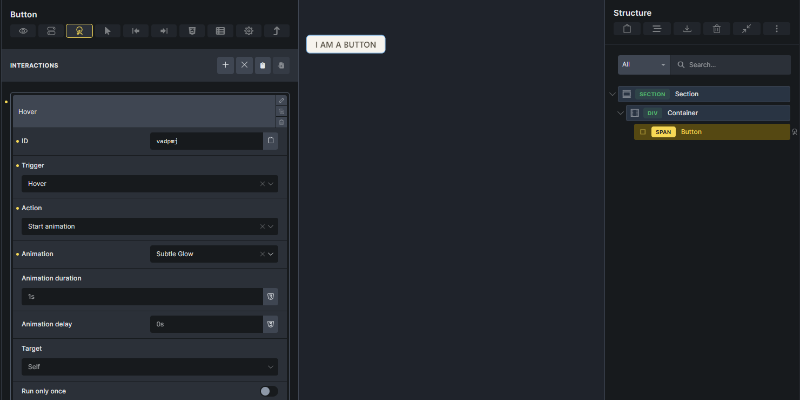
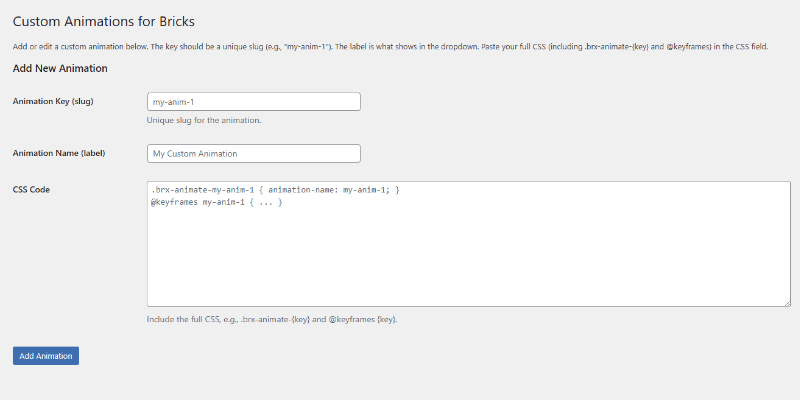
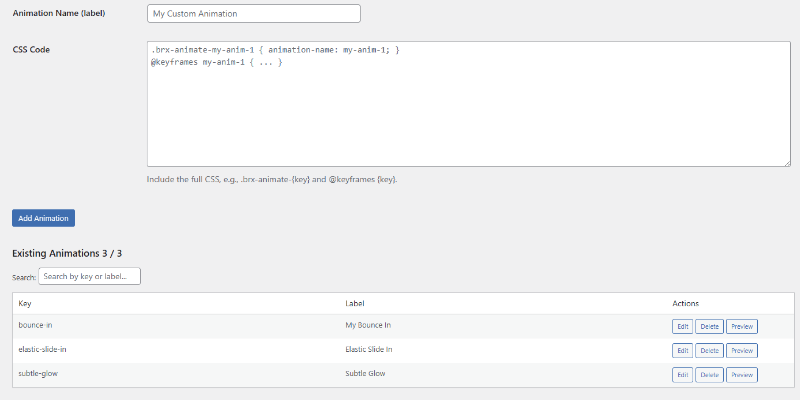
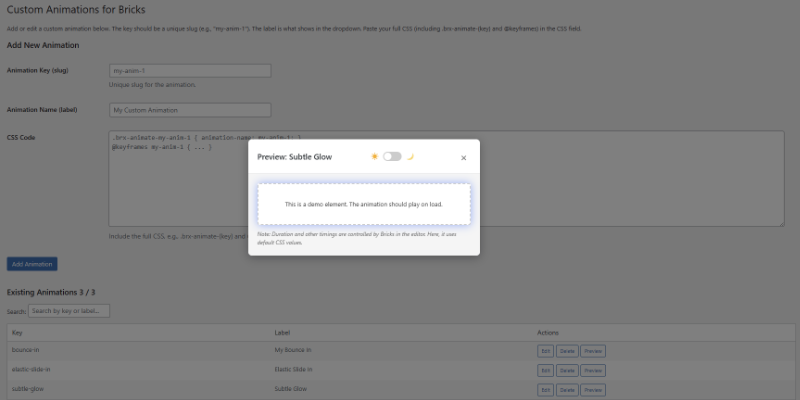
Hover Examples
Each tile uses an animation made with the plugin. Hover to play it.
- Shimmer 2
- Shimmer 1
- Pulse Glow
- Color Pulse
- Pulse Overlay